How to Diagnose a Radiator Fan That Keeps Running With Car off
If your radiator fan keeps running with the car off, it can be a confusing issue to deal with.
Understanding the possible causes is essential for diagnosing the problem effectively.
Start by checking the coolant temperature sensor and thermostat.
Faults in these components can cause the fan to run continuously, even when the engine is not on.
Next, test the fan relay to ensure it is functioning correctly.
Additionally, inspect the wiring for any stuck relays, corrosion, or damage.
These issues can lead to the fan operating when it shouldn’t.
Don’t forget to keep an eye on your battery’s health, as prolonged fan operation may drain it.
By understanding these basics, you’ll be better equipped to pinpoint the issue and decide if professional help is needed.
Key Takeaways
– Check if the radiator fan runs briefly (seconds to minutes) after shutdown, as this is normal to dissipate residual heat.
If it’s just a short burst, you’re probably in the clear.
– Test the coolant temperature sensor for faults using a multimeter, since a malfunctioning sensor may falsely trigger continuous fan operation.
This sensor is crucial for ensuring the fan only runs when needed.
– Inspect the fan relay for a stuck closed contact that could keep the fan powered even when the engine is off.
A stuck relay can definitely lead to some unwanted fan action.
– Examine wiring and electrical connections for damage, corrosion, or shorts that may cause the fan to run continuously.
You’d be surprised how often a simple wiring issue can cause problems.
– Verify the thermostat and coolant levels to rule out overheating issues that may cause the fan to stay on longer than usual.
Keeping an eye on these components can save you from bigger headaches down the road.
Understanding Normal Radiator Fan Operation After Engine Shutdown
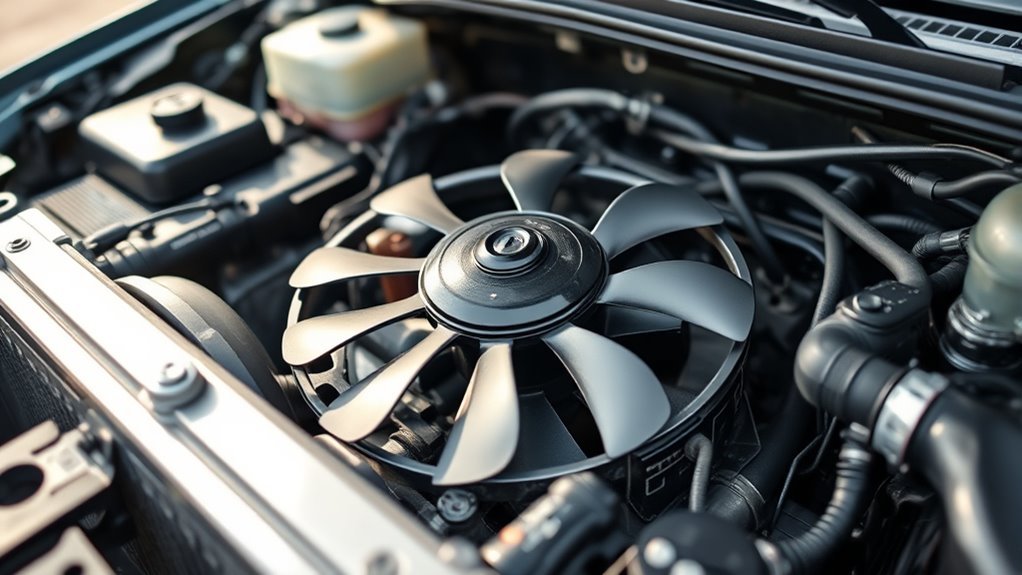
Although you might expect the radiator fan to stop immediately when you turn off the engine, it’s normal for it to keep running for a few seconds up to about five minutes.
This is part of normal operation, as the radiator fan helps dissipate residual heat and maintain coolant temperature after engine shutdown.
If you’ve been driving hard or under heavy load, the fan runs longer to prevent overheating and protect essential engine components.
Checking your owner’s manual will give you specific insights into how your vehicle’s fan should behave.
Observing this brief post-shutdown activity is important before considering maintenance and repairs.
Common Causes of Radiator Fan Running Continuously
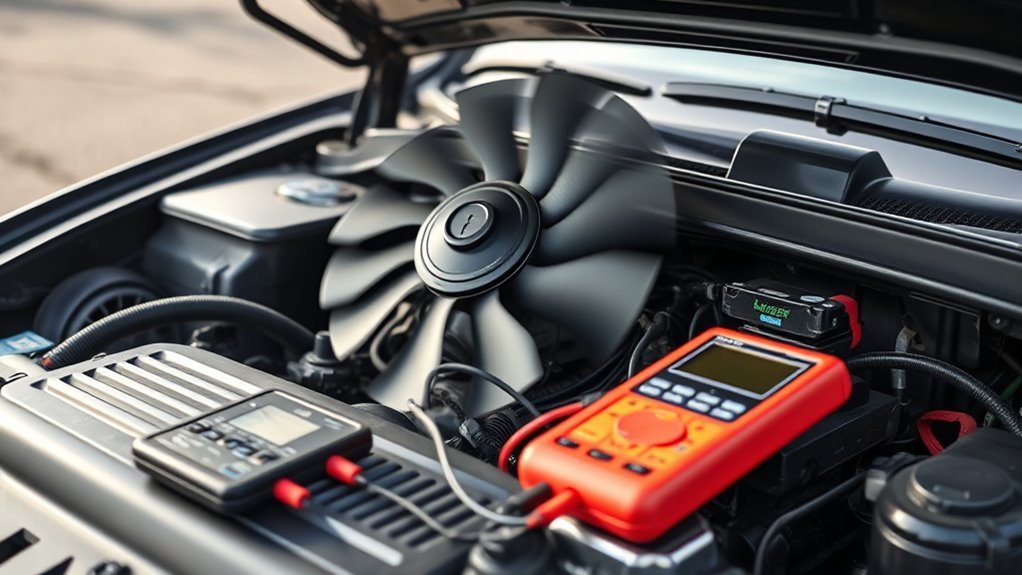
If your radiator fan keeps running well beyond the typical post-engine shutdown period, it likely signals an issue rather than normal operation.
Several common causes can trigger this fan issue in the cooling system. A malfunctioning temperature sensor may falsely detect high heat, causing the fan to run continuously.
Similarly, a faulty fan relay stuck closed can keep the fan powered regardless of engine status.
Problems with the engine control module might send incorrect signals, preventing the fan from shutting off.
Low coolant level also tricks the system into thinking the engine’s overheating, prompting constant fan operation.
Wiring faults or fuse box issues can disrupt normal fan control, too.
Identifying these causes helps restore proper cooling and prevent unnecessary radiator fan activity.
Assessing the Thermostat and Coolant Temperature Sensor

When diagnosing a radiator fan that won’t stop running, you’ll want to check both the thermostat and the coolant temperature sensor.
These components play key roles in regulating engine temperature.
The coolant temperature sensor measures the engine temperature and sends signals to control the radiator fan.
If it’s faulty, the fan may keep running continuously.
Use a multimeter to inspect the temperature sensor for open or short circuits.
A faulty thermostat can also cause issues.
If it’s stuck closed, coolant flow is blocked, causing the engine to overheat and the fan to run even after the car is off.
Regularly inspect the thermostat and coolant temperature sensor to verify they provide accurate readings.
This helps to prevent overheating and unnecessary fan running.
Inspecting the Fan Relay and Electrical Wiring
Start by testing the fan relay with a multimeter to verify it’s functioning correctly.
Next, check all electrical connections for corrosion or looseness that could disrupt power flow.
Finally, inspect the wiring for any damage or faults that might cause the fan to run continuously.
Testing the Fan Relay
A crucial step in diagnosing your radiator fan involves testing the fan relay, which controls the power supply to the fan.
First, locate the fan relay in the fuse box and remove it.
Use a multimeter to check for continuity; if there’s no continuity, you’re dealing with a faulty relay that needs replacing.
While you’re at it, inspect the electrical wiring connected to the relay for corrosion, fraying, or damage.
These issues can disrupt power flow and cause the radiator fan to run improperly.
Don’t forget to check for a blown fuse, which can affect relay performance.
Always consult your vehicle manual for specific relay testing procedures and specs to troubleshoot accurately and avoid misdiagnosis.
Checking Electrical Connections
Although you’ve tested the fan relay itself, you should also inspect its electrical connections carefully.
Start by checking the voltage at the fan relay using a multimeter. If it shows power when the engine is off, you may have an electrical fault causing unintended fan operation.
Examine the electrical wiring for damage, corrosion, or loose connections that could disrupt the circuit’s proper functioning.
Follow the wiring from the fan relay to the fan motor, watching for breaks or shorts that might keep the fan running.
Don’t forget to inspect the fuse linked to the fan circuit— a blown fuse can cause erratic behavior or prevent the fan from shutting off.
Ensuring all connections are sound helps maintain correct fan operation.
Identifying Wiring Faults
When diagnosing wiring faults, you’ll want to carefully inspect the fan relay and its electrical connections for signs of malfunction.
A stuck fan relay can cause the fan to run continuously, even with the car off.
Check the wiring and connectors for corrosion, damage, or loose contacts that might disrupt electrical signals.
Use a multimeter to test voltage at the relay terminals, comparing readings with your vehicle’s manual.
Don’t forget to examine the fuse box for blown fuses affecting fan operation.
Document any irregularities you find in the wiring or relay performance, as these details help you diagnose why the fan won’t stop running.
Also, check the coolant reservoir level since overheating issues can sometimes cause the fan to behave abnormally.
Evaluating Battery Health and Potential Drain Issues
Since your radiator fan can keep running after the engine shuts off, you need to watch for signs of battery drain caused by this continuous operation.
Prolonged fan operation may point to issues like a faulty thermostat or a malfunctioning coolant temperature sensor, both of which affect battery health.
To evaluate potential battery drain, focus on:
- Tracking how long the radiator fan runs after shutdown
- Inspecting the coolant temperature sensor and thermostat for faults
- Checking your battery’s voltage regularly to spot early drain signs
- Reviewing the vehicle’s electrical systems for irregular fan operation
Addressing these helps prevent a dead battery and guarantees your radiator fan doesn’t cause starting problems due to unnecessary continuous operation.
When to Seek Professional Diagnostic and Repair Services
If your radiator fan keeps running long after you turn off the engine, you should have a professional inspect it promptly.
Continuous fan operation often signals a malfunctioning coolant temperature sensor or a faulty fan relay.
If you notice a check engine light or a cooling system warning alongside unusual fan behavior—like running when the engine is cold—it’s essential to seek a professional assessment.
Ignoring these signs can lead to further damage.
Additionally, if the fan runs despite low coolant levels or shows wear, expert diagnosis is necessary.
Regular maintenance checks help catch these issues early, preventing costly repairs.
Frequently Asked Questions
Why Does My Car Keep Running Even After I Turn off the Ignition?
Your car keeps running after you turn off the ignition because the radiator fan cools the engine to prevent damage.
If it runs too long, a faulty sensor, relay, or low coolant might be causing the issue.
It’s important to address these problems promptly to avoid any further complications.
Make sure to check your vehicle’s cooling system regularly!
What Are the Symptoms of a Bad Radiator Fan?
When your radiator fan falters, you’ll hear rattles like a restless drum.
You might also smell burning like a warning flare.
Leaks could appear like tears on your engine’s face,
and you’ll definitely notice your temperature gauge soaring like a rising sun.
How Much Does It Cost to Fix an Engine Fan?
You’re looking at $100 to $500 to fix your engine fan, depending on the issue.
Simple repairs like a fuse or relay replacement cost less,
while motor replacements and wiring fixes push the price higher.
Should the Radiator Fan Come on When the Car Starts?
The radiator fan shouldn’t come on immediately when you start your car unless the engine’s already hot or the AC is running.
If it does, you might want to check the temperature sensor or fan relay for issues.
Conclusion
If your radiator fan keeps running with the car off, don’t jump to conclusions just yet.
Follow the steps to check the thermostat, temperature sensor, fan relay, and wiring to avoid unnecessary repairs.
Remember, sometimes the problem isn’t as black and white as it seems.
By methodically diagnosing, you’ll nip the issue in the bud before it leads to bigger headaches or drains your battery.
When in doubt, call in a pro for peace of mind.
In conclusion, a radiator fan running after the engine is off can be a perplexing issue.
By carefully examining key components like the thermostat and temperature sensor, you can often identify the root cause.
Don’t rush into repairs without a solid diagnosis, as it can lead to unnecessary costs.
If you’re unsure about the process, seeking professional help can save you time and hassle, ensuring your vehicle runs smoothly.