10 Steps to Check Tire Pressure for Honda Civic
To check your Honda Civic’s tire pressure, follow these simple steps for a safe and efficient driving experience.
First, gather a reliable tire pressure gauge and park your vehicle on a flat surface. It’s important to wait for the tires to cool down to get accurate readings.
Next, locate the recommended PSI, which can be found on the driver’s door jamb.
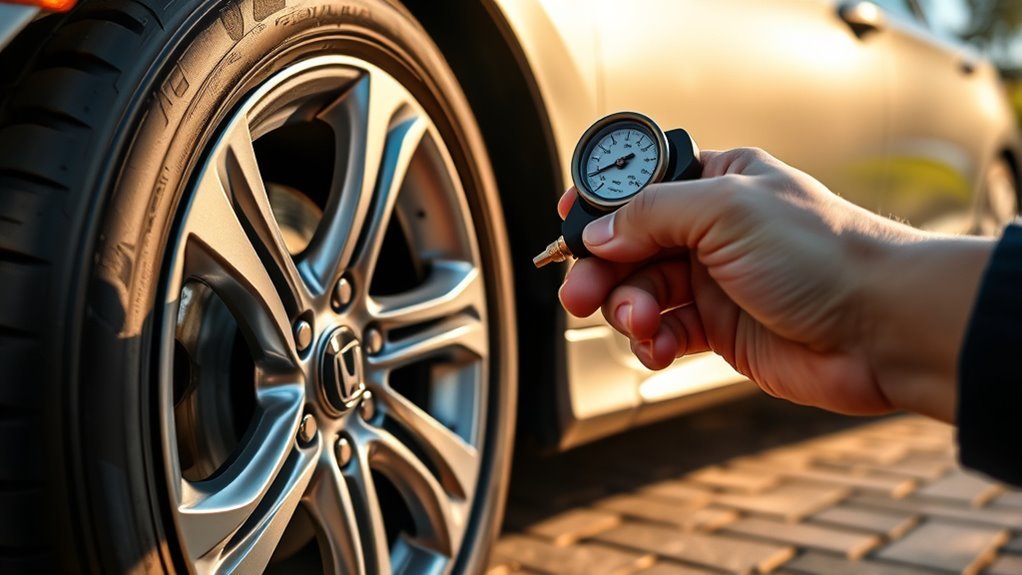
Remove the valve cap from one tire and measure its pressure with your gauge.
If any tire is below the recommended level, inflate it accordingly. Conversely, if a tire is overinflated, release some air to reach the ideal pressure.
Don’t forget to securely replace the valve caps to protect the valve stems.
By following these steps, you ensure your Honda Civic remains safe on the road.
Keep reading for more tips that can enhance your tire care routine!
Key Takeaways
- Park your Honda Civic on a flat, level surface and allow tires to cool for at least three hours before checking pressure.
- Locate the recommended tire pressure on the label inside the driver’s door jamb for accurate PSI reference.
- Remove valve caps carefully and press a reliable tire pressure gauge firmly onto the valve stem for an accurate reading.
- Inflate or release air to adjust tire pressure to the recommended level, then securely replace the valve caps.
- Regularly check tire pressure when tires are cold to maintain safety, improve fuel efficiency, and prevent uneven wear.
Remember, proper tire pressure is key to a smooth ride and prolonging tire life!
Gather Necessary Tools for Tire Pressure Check
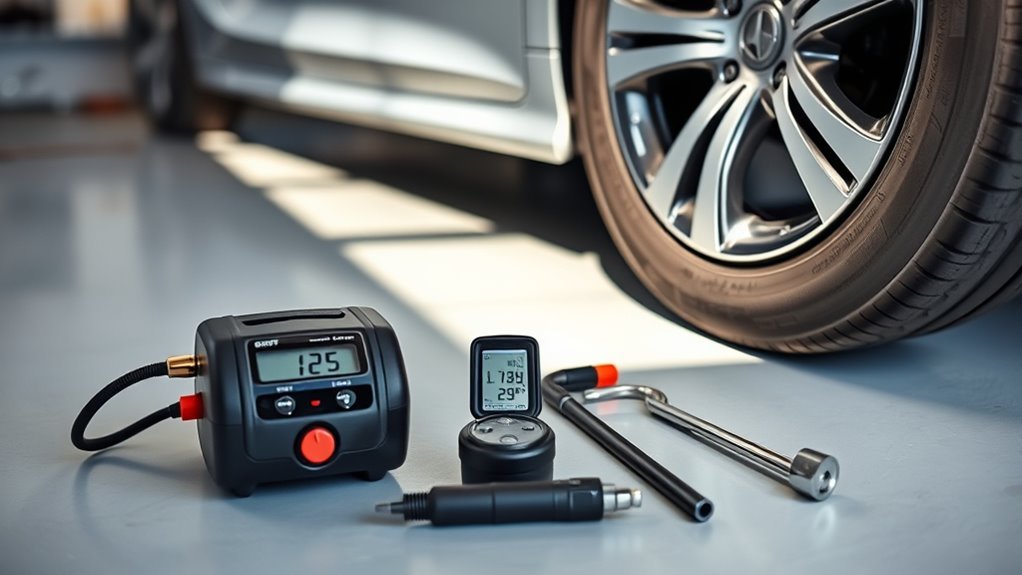
Before you begin checking your Honda Civic’s tire pressure, gather five essential tools: a reliable tire pressure gauge, access to compressed air, your vehicle’s ignition key, a valve cap removal tool, and a clean, flat surface to work on.
A high-quality tire pressure gauge is vital for getting accurate PSI readings on each tire. Having compressed air nearby lets you quickly inflate any tire that’s under the recommended pressure.
Keep your ignition key handy since you might need to turn on the car to activate the Tire Pressure Monitoring System (TPMS).
Have your ignition key ready to activate the Tire Pressure Monitoring System (TPMS) when checking tire pressure.
Use the valve cap removal tool to easily unscrew valve caps without damaging them. Ensuring you work on a clean, flat surface helps guarantee precise measurements and keeps the process straightforward.
Park Your Honda Civic on a Flat Surface
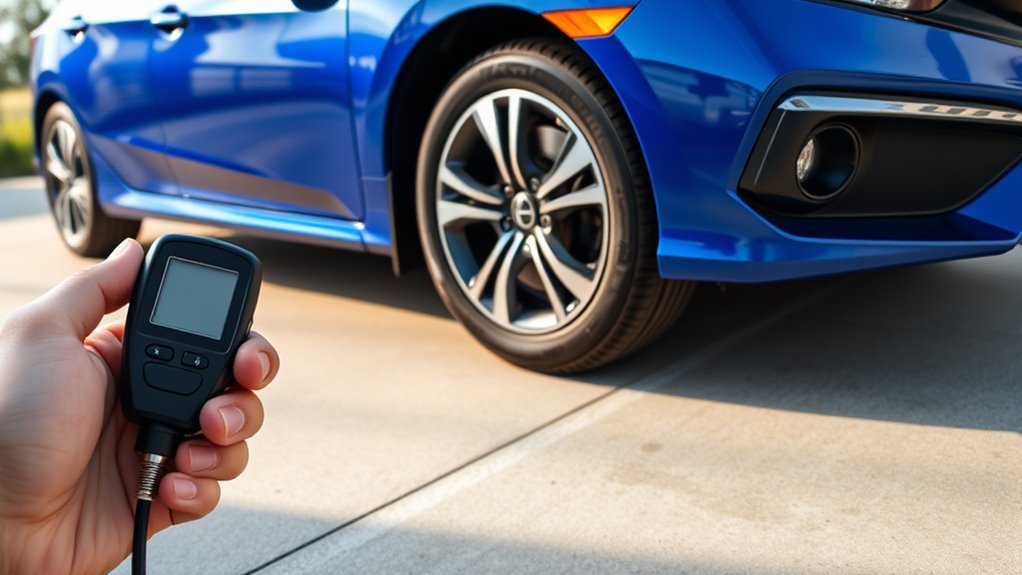
Choose a flat, level surface to park your Honda Civic before checking the tire pressure.
Parking on a flat surface guarantees your vehicle sits evenly, preventing it from leaning or shifting weight unevenly.
This balance is vital because it helps you get accurate tire pressure readings.
Avoid slopes, inclines, or gravel areas where the car might tilt or the tires could compress unevenly, leading to faulty measurements.
A paved driveway or level parking lot works best.
By confirming your car is on a flat surface, you’ll follow the manufacturer’s tire pressure guidelines more precisely, which you can find on the driver’s door jamb.
This simple step helps you maintain proper tire care and guarantees your Honda Civic performs safely and efficiently on the road.
Allow Tires to Cool Down Before Measuring
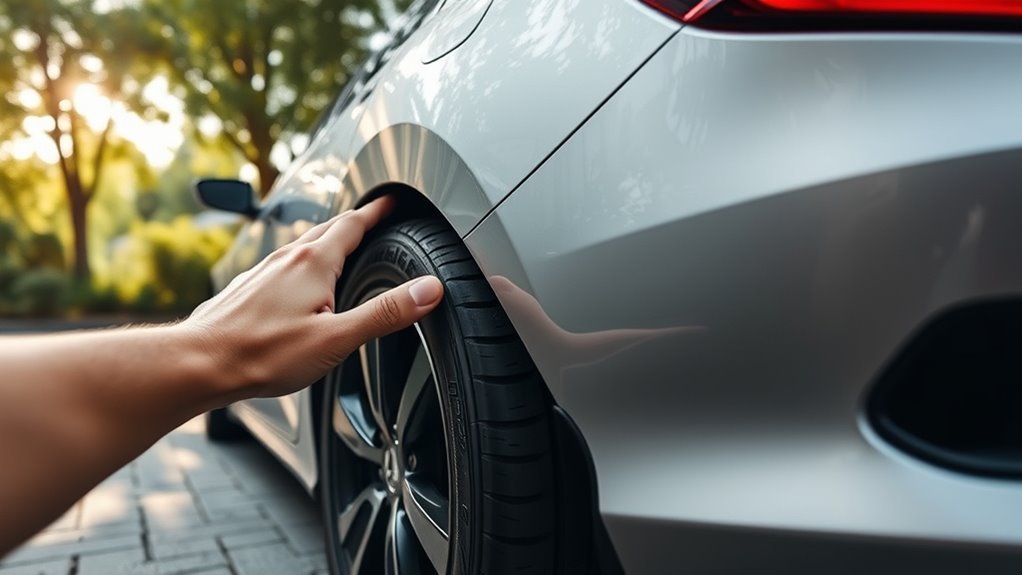
Once your Honda Civic is parked on a flat surface, give the tires time to cool down before measuring their pressure.
Ideally, wait at least three hours or guarantee you’ve driven less than a mile.
Driving heats up the tires, causing the tire pressure to rise temporarily and giving you inaccurate readings.
Even a difference of 1 PSI can affect your fuel efficiency and tire wear, so getting an accurate measurement is vital for your vehicle’s performance.
Keep in mind that cold weather naturally lowers tire pressure, so checking regularly in winter is especially important.
By allowing your tires to cool, you guarantee the tire pressure you measure reflects the true condition.
This helps you maintain safety and efficiency on the road.
Locate the Recommended Tire Pressure Information
You’ll find the recommended tire pressure for your Honda Civic on a yellow and white label inside the driver’s side door jamb.
This label clearly states the ideal PSI for both the front and rear tires, helping you maintain peak performance and safety.
Since tire pressure can vary depending on your Civic’s model year and trim, it’s essential to confirm this information matches your specific vehicle.
Don’t forget to check your owner’s manual as well, as it may offer extra details about tire specifications and pressure guidelines.
Sticking to the recommended tire pressure not only guarantees a smooth ride but also boosts fuel efficiency and extends the life of your tires.
Always verify these details before proceeding with any adjustments.
Remove the Valve Cap From the Tire
Locate the valve cap on the tire’s rim and twist it counterclockwise to remove it.
This cap protects the valve stem, which is the small rubber or metal tube sticking out from the rim.
Once removed, set the cap aside in a clean spot to avoid dirt contamination.
Before you proceed, check that the valve stem is clean and free from any debris.
Dirt can cause inaccurate readings or even damage your tire pressure gauge when you use it later.
Keeping the valve stem clean guarantees a proper seal when the gauge is applied.
Remember, after you finish checking the tire pressure, always screw the valve cap back on tightly.
This helps keep the valve stem sealed and protected from dirt and moisture.
Use a Tire Pressure Gauge to Measure Pressure
Choose a reliable tire pressure gauge that reads both PSI and kPa for accurate results.
Press the gauge firmly onto the valve stem and hold it steady until the reading stops changing.
Then, compare your measurement to the recommended PSI to see if your tire needs air.
Selecting Accurate Pressure Gauge
Although many tire pressure gauges are available, selecting a high-quality one is crucial for accurate readings on your Honda Civic.
Choose a tire pressure gauge that measures from 0 to 100 PSI to cover your vehicle’s typical tire pressure range.
Digital gauges offer clear, easy-to-read displays, while analog ones are more affordable but can be harder to interpret precisely.
Look for a gauge with a good grip and a flexible hose; this helps you reach the valve stem easily without losing air.
Regularly calibrate and maintain your tire pressure gauge to keep it reliable and consistent.
Measuring Tire PSI Properly
Once you’ve selected a reliable tire pressure gauge, it’s time to measure your Honda Civic’s tire PSI properly.
Start by removing the valve cap from the tire’s valve stem. Quickly press the gauge firmly onto the stem until the hissing sound stops, signaling a tight seal.
Verify your gauge reads PSI, the standard unit for tire pressure. Check the recommended tire pressure on the label inside your driver’s door or in the owner’s manual to know the ideal PSI.
Take a reading and compare it to this recommendation. If the tire pressure is low, use an air compressor to inflate the tire.
Repeat this process for all four tires to verify consistent, safe tire pressure. This will enhance your car’s performance and fuel efficiency.
Compare Measured Pressure to Recommended Levels
Start by locating the recommended tire pressure values on the yellow and white label inside your Honda Civic’s driver’s door or in the owner’s manual.
Once you have these figures, use a tire pressure gauge to measure the current pressure of all four tires, including the spare if your vehicle has one.
Check all four tire pressures with a gauge, including the spare if available, to ensure proper inflation.
After you get your readings, compare each tire pressure to the recommended PSI. If any tire pressure falls below the specified level, it means the tire is under-inflated.
Regularly comparing your tire pressure to the recommended levels guarantees your Honda Civic runs safely and efficiently.
Maintaining proper tire pressure helps prevent uneven tire wear and optimizes fuel economy, so make this comparison a routine part of your car maintenance.
Inflate Tires if Pressure Is Below Recommended
If your tire pressure is below the recommended level, use an air compressor to carefully inflate each tire.
Make sure the nozzle fits snugly on the valve stem to avoid leaks and watch out for overinflation.
Once done, replace the valve caps to keep dirt and moisture out.
Use Air Compressor
Locate an air compressor, either a standalone unit or one at a gas station, to inflate your Honda Civic’s tires when the pressure falls below the recommended level.
First, remove the valve cap from the tire valve stem, then securely attach the air compressor nozzle to prevent air leakage.
Check your car’s recommended tire pressure, which can be found on the driver’s door label or in the owner’s manual.
Inflate the tire slowly, pausing frequently to measure the tire pressure with a gauge.
Keep inflating until the pressure matches the specified PSI for your Honda Civic.
Once you reach the correct tire pressure, detach the air compressor nozzle quickly and replace the valve cap to maintain proper air retention and tire integrity.
This guarantees safe and efficient driving.
Avoid Overinflation Risks
While it’s important to keep your Honda Civic’s tires properly inflated, be careful not to overinflate them.
Doing so can reduce traction and increase the risk of blowouts.
Always check the recommended tire pressure on the label inside the driver’s door.
It’s best to measure pressure when the tires are cold.
Overinflated tires wear unevenly and handle poorly.
So, use a gauge regularly to maintain the right PSI.
| Risk | Cause | Effect |
|---|---|---|
| Reduced Traction | Excessive Tire Pressure | Poor Handling |
| Blowouts | Overinflated Tires | Safety Hazard |
| Uneven Wear | Center Tread Overpressure | Shorter Tire Lifespan |
| False Readings | Measuring When Hot | Overinflation Mistakes |
Stick to the recommended tire pressure to keep your Civic safe and efficient.
Replace Valve Caps
To keep your Honda Civic’s tires sealed and properly inflated, always replace valve caps after checking pressure.
These small caps prevent dirt and moisture from entering the valve stem, helping maintain consistent air pressure.
If you find any tire pressure below the recommended PSI—usually listed on your driver’s door label—remove the valve cap and use an air compressor to inflate the tire.
After inflating, check the pressure again with a gauge to guarantee it meets specifications.
Before screwing the valve cap back on, inspect it for damage or wear since a compromised valve cap can cause slow leaks.
Regularly replacing worn or missing valve caps is essential for preserving tire pressure and extending your tires’ lifespan.
Release Air If Pressure Is Above Recommended
If your tire pressure exceeds the recommended level, you’ll want to carefully release some air to avoid over-inflation.
First, use a tire pressure gauge to confirm the reading before you release air.
Then, remove the valve cap and press the metal stem inside the valve with a tool or your finger to let air escape.
Keep the gauge handy and monitor the pressure as you release air, checking frequently to avoid letting out too much.
Continue this process until the pressure matches the ideal level indicated on your Honda Civic’s driver’s door label or owner’s manual.
Releasing air gradually helps maintain safe tire pressure, ensuring better handling and tire longevity.
Replace Valve Caps Securely After Adjustment
Once you’ve adjusted your tire pressure to the recommended level, make sure to securely replace the valve caps.
These small components prevent dirt and moisture from entering the valve stem, which could cause leaks and affect tire pressure.
Twist the valve caps on by hand—avoid over-tightening to prevent damage to the cap or valve stem.
Using high-quality valve caps made from durable materials can improve their sealing effectiveness and lifespan.
Regularly check your valve caps for signs of wear or damage, as compromised caps can lead to air loss.
If a valve cap is lost or damaged, replace it promptly with a compatible one to keep your Honda Civic’s tire pressure system in top condition.
Proper valve cap care helps maintain safe and consistent tire pressure.
Frequently Asked Questions
How Do I Get My Tire Pressure to Show on My Dashboard?
You’ll need to guarantee your TPMS is active and tire pressures are correct.
Then, check the vehicle settings menu on your dashboard to view real-time readings.
Reset the TPMS if needed, or consult the manual for help.
What Are the Steps to Check Tire Pressure?
Checking tire pressure is like reading an essential sign for your car.
You’ll unscrew the valve cap, press a gauge on the valve stem, and compare readings to recommended PSI.
If needed, inflate tires for safety and performance.
Is 40 PSI Too High for Tires?
Yes, 40 PSI is too high for your tires.
You’ll risk uneven wear, reduced traction, and possible blowouts.
Stick to the recommended pressure on your driver’s door label, usually between 30 and 35 PSI.
How to Get Rid of Check Tire Pressure Warning Honda Civic?
You check your tire pressure, you reset the TPMS, and you drive your Honda Civic.
Inflate the tires correctly, hold the reset button until it blinks, then drive to clear the warning light efficiently.
Conclusion
Checking your Honda Civic’s tire pressure is like tuning a guitar before a gig—skip it, and the ride just won’t feel right.
Just as a well-tuned string guarantees crisp sound, properly inflated tires assure safety, fuel efficiency, and smooth handling.
Remember, even a 1 psi drop can lower fuel economy by 0.2%.
So, keep your tires in tune with these steps, and enjoy a safer, more efficient drive every time you hit the road.
Maintaining the correct tire pressure not only enhances your driving experience but also extends the life of your tires.
Frequent checks can prevent potential issues and keep you and your passengers safe.
In conclusion, make tire pressure checks a regular part of your car maintenance routine to ensure optimal performance and safety while driving your Honda Civic.
A small effort can lead to a smoother ride and better fuel efficiency, making every journey enjoyable.