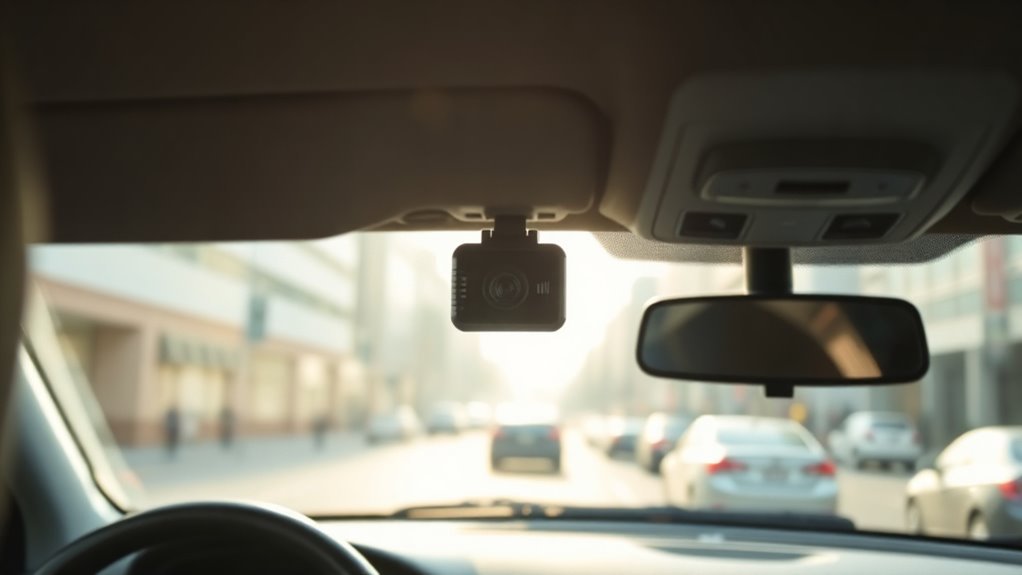
Do Dash Cams Record Audio?
Yes, many dash cams do record audio, which can be a helpful feature for drivers.
However, whether your unit has audio recording on or off by default depends on the model and its factory settings.
The built-in microphone captures voices, road noise, sirens, and impacts while video records.
If you prefer more privacy, you can usually turn the audio off in the camera menu or app.
In the following sections, we’ll explore how to check your settings, what kinds of audio are captured, and how this feature can benefit you in various situations.
Stay tuned to learn more about making the most of your dash cam!
Key Takeaways
- Many dash cams do record audio, but it really depends on the model and factory default settings.
- Typically, audio is captured by a built-in microphone while the camera is powered on.
- You can often turn audio recording on or off in the camera menu, app, or on-screen settings.
- Keep in mind that microphone placement affects sound quality, including voice clarity and road noise pickup.
- Lastly, be sure to check local recording laws and consent rules before using or sharing dash cam audio.
Do Dash Cams Record Audio by Default?
Whether a dash cam records audio by default depends on the model and its settings.
Some units start with the microphone on, while others leave it off until you enable it in the menu.
If you want to know what your camera does, check the manual or the on-screen settings right after installation.
Don’t assume every dash cam behaves the same way because manufacturers make different choices.
Many models let you switch audio recording on or off quickly, so you can control what gets captured.
If privacy matters to you, review the default state before you drive.
That way, you won’t be surprised by sound being recorded when you expected silence, or by a muted camera when you needed audio.
How Dash Cam Audio Recording Works
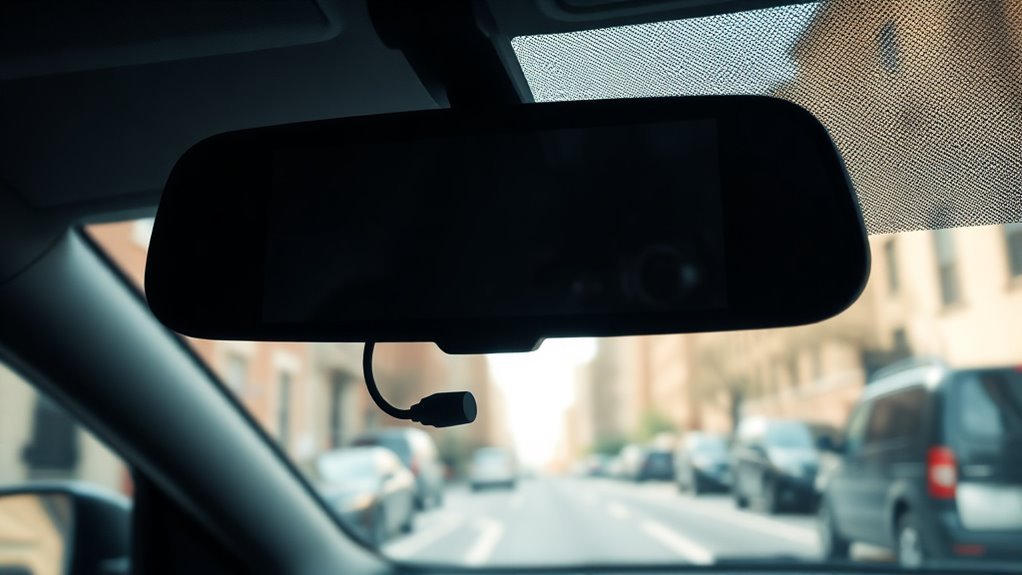
Your dash cam records audio with a built-in microphone that picks up sounds inside and around your car.
Mic placement matters because it affects how clearly you’ll hear voices, road noise, and other sounds.
Storage settings control whether the audio saves with the video.
You can usually turn audio on or off in the camera’s menu, and that choice affects how much space the files use.
Audio Capture Basics
Dash cam audio recording is usually straightforward: the camera uses a small built-in microphone to pick up sound inside and around the vehicle while it records video.
You don’t need a separate recorder or extra setup. The microphone can capture voices, road noise, turn signals, and sudden sounds like horns or impacts.
The camera converts those sound waves into digital audio and saves them with the video file. This way, you can review both together later.
Many dash cams let you turn audio on or off in the settings, giving you control over privacy and local laws.
If audio is enabled, the camera typically records continuously while it’s powered, just like the video, unless you change the mode or disable the feature.
Microphone Placement
Where the microphone sits on a dash cam can affect how well it records audio.
Most models place it near the camera body to pick up sound from inside the cabin and around the vehicle.
You’ll usually find it on the front unit, where it can catch voices, traffic noise, and sudden events without needing extra hardware.
But if the mic faces the windshield or sits behind a mount, it may pick up more road noise than speech.
If you talk to passengers or want evidence from an incident, closer placement helps.
Just keep in mind that this can also make wind, engine hum, and vibration more noticeable.
You can think of placement as a balance between clarity and ambient sound, not a guarantee of perfect recording every time.
Storage And Settings
Once the microphone picks up sound, the dash cam has to save that audio along with the video. This depends on the device’s storage settings.
You’ll usually find audio recording in the menu, where you can turn it on or off, choose file quality, or set loop recording. Higher-quality audio uses more space, so your card fills up faster.
As a result, older clips get overwritten sooner. If you want clear recordings, use a fast microSD card that matches the camera’s specs.
Also, check whether the cam saves sound to every clip or only when motion or impact triggers recording. If you disable audio, the camera still captures video, but you won’t hear conversations, road noise, or police interactions later.
How to Turn Dash Cam Audio Off
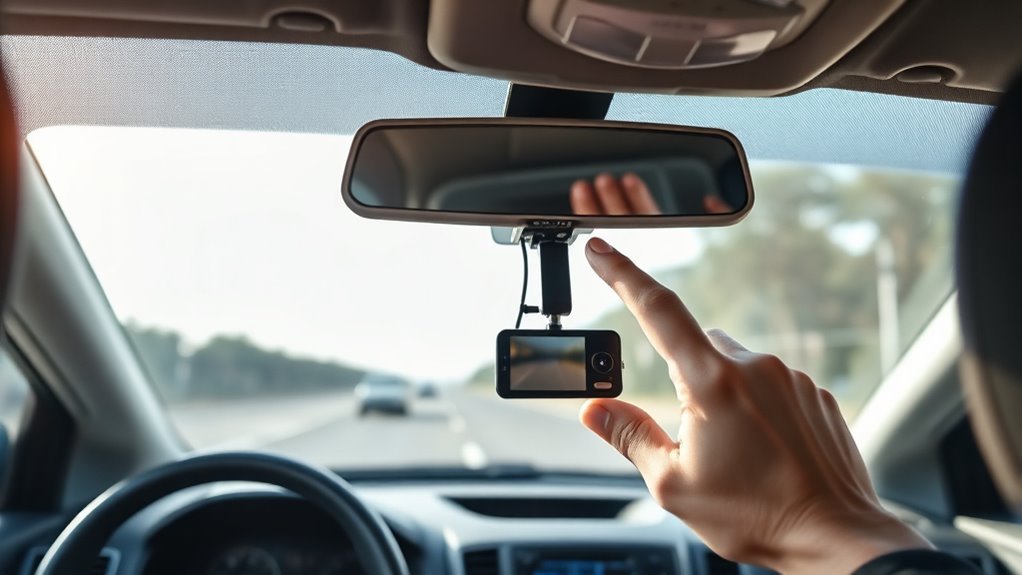
If you want your dash cam to stop capturing audio, the easiest fix is usually in the settings menu.
Open the display or app, then look for sound, microphone, or audio recording options.
You can usually toggle audio off with one tap.
If your model uses physical buttons, check the manual for a dedicated mic icon or shortcut.
Remember to save the change before you exit, since some cameras reset after a restart.
- Enter the settings menu
- Find the audio or microphone option
- Switch audio recording off
- Confirm the change
- Test the camera briefly
If you can’t find the option, try updating the firmware or reviewing the user guide.
Some brands hide audio controls under advanced settings, so a quick search by model number can really save you time.
What Dash Cam Audio Can Pick Up
Your dash cam’s audio can pick up conversations inside your car, so what you say may end up on the recording.
It can also capture road noise like engine sounds, honks, sirens, and nearby traffic.
Knowing this helps you understand how much context the audio track really adds.
Interior Conversation Capture
Dash cam audio can often pick up the conversations happening inside your car, especially when the microphone is close to the driver and passengers.
You might hear quick exchanges, directions, jokes, or tense words during a commute.
This can help you document what was said after a dispute or incident.
Still, the clarity depends on where you mount the camera, how loud you speak, and whether windows are open.
If you use a rear-facing or cabin-focused model, it may capture more of your voice and less from outside.
- Driver talk
- Passenger remarks
- Hands-free calls
- Child chatter
- Dispute details
Road Noise Recording
Along with voices inside the cabin, a dash cam’s microphone can also pick up road noise outside the car.
You may hear tire hum, wind rushing past the windows, engine revs, and the thump of bumps or potholes.
If you drive on gravel, the mic can capture stone spray and a rougher surface sound.
In traffic, it may record honks, sirens, screeching brakes, and nearby motorcycles or trucks.
These sounds can help you show what was happening around you during an incident.
They can also provide context if video alone doesn’t explain the scene.
Keep in mind that speed, weather, open windows, and camera placement all affect how clearly your dash cam records outside noise.
When Dash Cam Audio Helps After an Accident
After an accident, dash cam audio can fill in details that video alone may miss.
Things like the other driver’s admissions, a heated exchange, or signs that someone was distracted or impaired can all be captured in audio.
You can use that recording to clarify what happened right before impact and right after it.
It may capture:
- a clear apology or admission
- a phone conversation in the background
- aggressive comments or threats
- an admission of speeding or failure to stop
- your own immediate reaction for context
That audio can support your memory when the scene feels chaotic.
It also helps show tone, timing, and confusion that video can’t always prove.
When you review the file soon after the crash, you’ll be able to preserve key details before they fade.
Dash Cam Audio Laws and Privacy Rules
Because dash cam audio can capture private conversations, you should check local recording laws before you rely on it.
In many places, you can record openly in public, but you may need consent before capturing speech inside a vehicle or during a private conversation.
If you drive across state lines, the rules can change, so you shouldn’t assume one law covers every trip.
You should also tell passengers when your camera records sound. Clear notice can reduce privacy complaints and legal risk.
If you share footage, remember to blur faces, mute audio, or delete personal details when they’re not needed.
Store recordings securely, too, since leaked audio can expose names, arguments, and other sensitive information.
When you respect privacy rules, you protect yourself and everyone else in your car.
Frequently Asked Questions
Can Dash Cam Audio Be Used as Legal Evidence?
Yes, you can use dash cam audio as legal evidence if local laws allow recording and the audio’s authentic.
You’ll need clear chain of custody, relevance, and proper consent rules to make it admissible in court.
It’s important to ensure that everything is documented correctly.
This way, you can support your case effectively!
Do All Dash Cams Have Built-In Microphones?
No, you won’t find built-in microphones in every dash cam.
You’ll need to check the model specs, since some record audio, others don’t,
and a few let you disable the microphone for privacy.
Can Dash Cam Audio Capture Passengers Clearly?
Yes, you can hear passengers clearly if your dash cam’s microphone is good and they’re close.
But road noise, music, and engine sounds often muddy voices.
Does Audio Recording Reduce Battery Life?
Yes, audio recording can reduce battery life a little because your dash cam works harder.
You’ll usually notice a small drop, not a huge one, especially if you power it while driving.
Can I Disable Audio Without Affecting Video?
Like turning down a radio while the road rolls on, yes—you can usually disable audio and keep video recording.
Check your dash cam settings, and you’ll preserve footage without capturing sound.
It’s a simple adjustment, making your recording experience more tailored to your needs.
Conclusion
So, do dash cams record audio? Often, yes—but only if you let them.
You can capture the truth in a crash or the chatter in a calm commute. Yet that same microphone can raise privacy concerns fast.
That’s the contrast: more evidence, more exposure.
If you check your settings and know your local laws, you’ll use the feature wisely.
In the end, you’re not just recording the road—you’re deciding what story it tells.
So, in a nutshell, dash cams can record audio, but it’s essential to be aware of the implications.
Understanding your local regulations and adjusting your settings will help you make informed decisions.
Whether you’re gathering evidence or simply documenting your journey, being mindful of privacy can ensure you use your dash cam responsibly.
Ultimately, it’s about capturing the moments that matter while respecting the boundaries of those around you.