What Is Loop Recording on a Dash Cam?
What Is Loop Recording on a Dash Cam?
Loop recording on a dash cam allows you to continuously record without worrying about running out of storage space.
It captures short video clips, typically ranging from one to five minutes each.
When the memory card becomes full, the camera automatically overwrites the oldest unprotected footage.
If you lock a clip, it will remain saved for future reference.
This feature keeps your dash cam ready for daily commutes, exciting road trips, and unexpected incidents.
Curious about how it works?
You can dive deeper into what happens when storage fills up and discover the best settings for your dash cam.
Key Takeaways
- Loop recording continuously saves short video clips and automatically overwrites the oldest unprotected footage when the memory card fills up.
- This feature allows a dash cam to keep recording without the hassle of manual file deletion or card swapping during your daily drives or long trips.
- Plus, you can lock important clips to ensure they’re not overwritten after an accident or any notable event.
- Most dash cams use loop lengths of one to five minutes, making it easier to manage storage and review footage quickly.
- Just keep in mind, if the card is full or failing, recording may stop or glitch.
- Regularly formatting the card and using high-endurance cards can really help maintain reliability.
What Is Dash Cam Loop Recording?
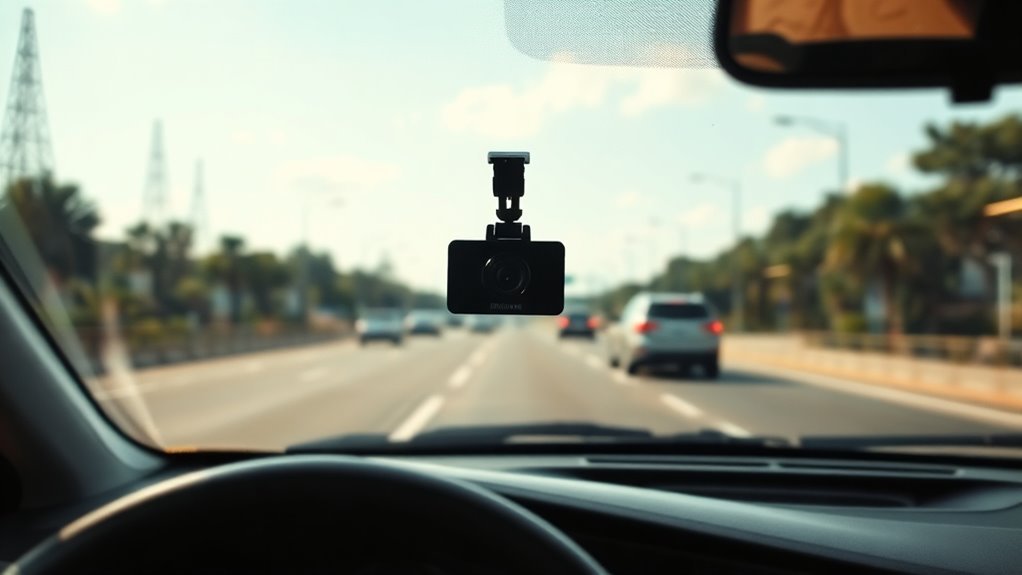
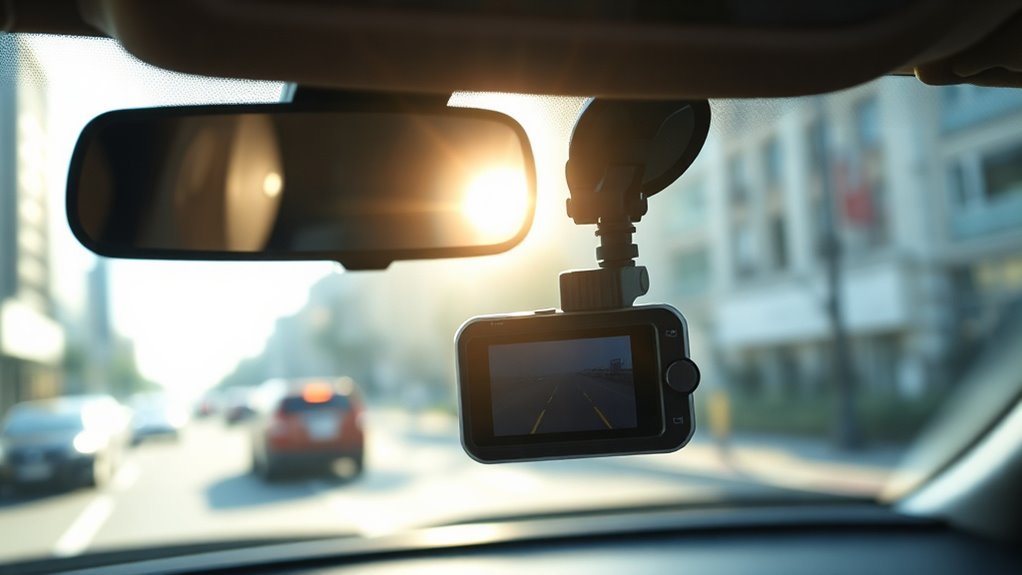
Dash cam loop recording is a feature that lets your camera record continuously by saving video in short segments.
Dash cam loop recording continuously saves short video segments, automatically overwriting old footage when storage fills up.
When the memory card fills up, it automatically overwrites the oldest footage.
This means you can keep capturing your drives without stopping to delete files or swap cards.
It’s super convenient!
This feature helps you preserve recent incidents, road trips, and daily commutes in a simple, hands-off way.
If something happens on the road, you can quickly review the latest footage and keep a reliable record of what you saw.
You won’t have to worry about running out of storage at the wrong time.
Because the camera keeps recording while you drive, you get ongoing coverage without extra effort.
It’s a practical setting that makes dash cams far more useful for everyday driving.
How Does Dash Cam Loop Recording Work?
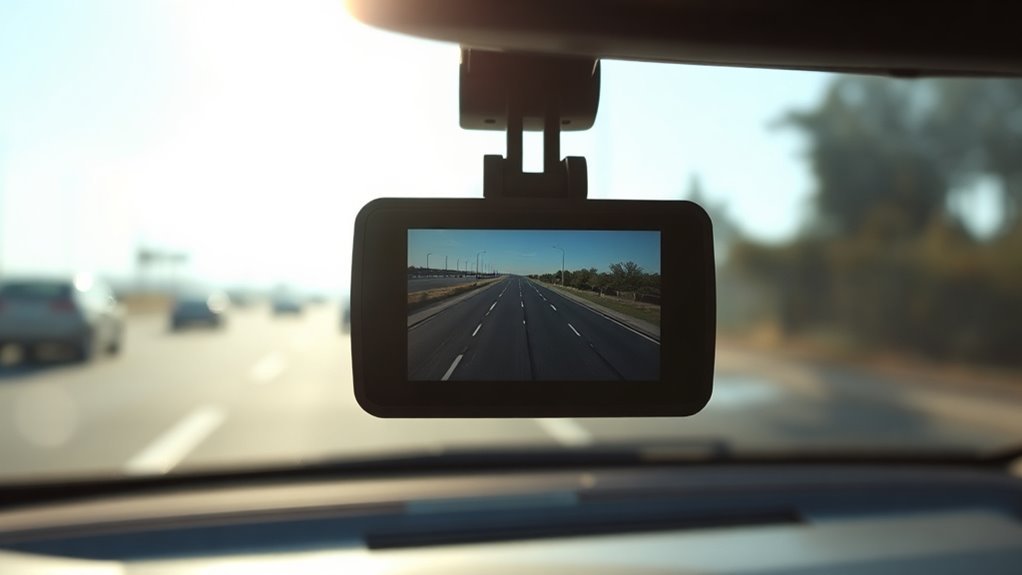
When you turn on loop recording, your dash cam saves video in short clips and starts a new file as each segment ends.
You can choose the clip length, usually one, three, or five minutes. The camera keeps recording without stopping.
When the memory card fills up, the system automatically deletes the oldest unprotected clip and replaces it with new footage.
That means you don’t have to clear space manually or stop recording during a drive.
If something happens, you can lock a clip with a button or through the app so the camera won’t overwrite it.
The camera then keeps protecting that file while it continues cycling through the rest.
This process lets you record continuously on limited storage without babysitting the device.
Why Does Loop Recording Matter for Drivers?
Loop recording matters because it keeps your dash cam ready at all times without forcing you to manage storage while you drive.
Loop recording keeps your dash cam ready, so you can focus on driving without managing storage.
You get continuous protection, even on long commutes or road trips, because the camera keeps capturing what happens around you.
That means you’re less likely to miss a key moment when traffic gets hectic or something unexpected happens.
- You stay focused on driving.
- You keep recording without manual resets.
- You preserve footage from important incidents.
- You get peace of mind on every trip.
This matters because you can’t predict when you’ll need evidence.
A dash cam that records in a loop helps you stay prepared without extra effort.
What Happens When the Memory Card Fills Up?
If the memory card fills up, the dash cam doesn’t just stop working—it usually starts overwriting the oldest accessible footage first.
You won’t need to do anything in most cases, because loop recording handles the space automatically. When storage runs low, the camera saves new clips and replaces earlier ones that it can no longer keep.
That means your most recent driving footage stays available, while older, unprotected files may disappear.
If you’ve locked an important clip, the system usually leaves it alone, so you can still review it later.
You should still check the card regularly, though, because a full or failing card can cause recording gaps, file errors, or skipped video.
Formatting the card occasionally can help keep recording smooth and reliable.
How Long Does Dash Cam Loop Recording Keep Footage?
How long your dash cam keeps footage depends on your memory card size, video quality, and how often you drive.
In practice, you might keep a few hours or several days before the camera overwrites older clips.
A larger card stores more video, and lower-resolution files take up less space.
If you drive every day, your footage cycles faster than if you only use the car occasionally.
- Small card: about 2–4 hours
- Medium card: about 6–12 hours
- Large card: about 12–24 hours
- Extra-large card: several days of short trips
Your exact retention time also changes with driving habits and clip length.
When storage runs out, loop recording replaces the oldest unprotected videos first, so you always keep the most recent driving history available.
What Are the Best Loop Recording Settings?
The best loop recording settings usually balance video quality, file size, and how much footage you want to keep.
Set your dash cam to 1080p if you want clear footage without filling the card too fast.
Set your dash cam to 1080p for clear footage without filling your memory card too quickly.
Choose a loop length of 1 to 3 minutes for easier file management and quicker event review.
Use the highest bitrate your camera supports, since it helps preserve detail in motion and low light.
If your card is small, consider lowering the resolution or shortening the loop time to avoid constant overwriting.
Turn on audio only if you need it, because it can use extra space.
Don’t forget to format your memory card regularly, and opt for a high-endurance card to ensure your settings remain reliable on the road.
Frequently Asked Questions
Can Loop Recording Overwrite Important Accident Footage?
Yes, if you don’t protect the clip, loop recording can overwrite accident footage when storage fills up.
You should save or lock important videos immediately.
And don’t forget to use a dash cam with G-sensor protection.
Does Loop Recording Drain My Car Battery?
No, loop recording usually won’t drain your car battery much while you’re driving.
But if you leave your dash cam on in parking mode, it can slowly use power and eventually flatten the battery.
Is Loop Recording Available on All Dash Cams?
Not all dash cams offer loop recording, but many do.
You should check the specs before buying. If it isn’t listed, you can’t assume it’s included.
As they say, “better safe than sorry.”
Can I Protect Clips From Being Deleted?
Yes—you can usually lock or protect important clips so your dash cam won’t overwrite them.
You’ll often press a button or use the app.
Protected files stay saved, even when loop recording keeps running.
Does Loop Recording Work Without Wi-Fi?
Yes—loop recording keeps things rolling without Wi‑Fi.
It quietly circles back over old footage while your camera works on its own.
You don’t need internet; the dash cam simply records, stores, and overwrites clips.
Conclusion
In the end, loop recording keeps your dash cam working like a tireless witness. It saves you from running out of space just when you need evidence most.
You can set it to overwrite old footage automatically, so your card stays ready without any fuss.
Choose the right clip length and resolution for your needs, and you’ll drive with peace of mind.
Even in a future-packed world, this simple feature still feels like a trusty time capsule.
—
In summary, loop recording is essential for any dash cam user. It ensures that you always have access to crucial footage without worrying about storage issues.
By automatically overwriting older clips, it keeps your dash cam ready for unexpected moments. With the ability to tailor clip length and resolution, you can customize your experience.
Ultimately, loop recording provides peace of mind, knowing your dash cam is always capturing essential evidence when you need it most. Whether you’re commuting or on a road trip, this feature is a must-have.